
Google AdSense Approval Checklist for a New WordPress Blog [My 2026 Method]
I’ll be honest with you. When I started WebLearnCraft back in late 2024, I thought AdSense approval was all about traffic. I had this idea that if I get 10k visitors, Google will automatically approve me. So I kept writing and waiting. My first application got rejected in 2 days. Second one also rejected. I was frustrated. Then I talked to a friend who got approval with just 25 posts and like 20 visitors a day. That’s when I realized, it’s not about traffic at all. It’s about trust. Does your site look like a real, complete, helpful website? That is the only thing Google checks in 2026. After fixing few small things, my third application got approved in just 4 days. So this checklist I am sharing is not copied from Google docs, this is what actually worked for me and for 3 other friends I helped.
Table of Contents
- 1. The Basics That Most People Ignore Before Applying
- 2. Content That Actually Gets Approved in 2026
- 3. The Pages That Give You Instant Rejection If They Are Missing
- 4. Design, Speed and Technical Checklist That I Fixed
- 5. The Truth About Traffic, Domain Age and Indexing in 2026
- 6. Final Checklist Before You Click Apply and How I Applied
- My Last Advice For You
1. The Basics That Most People Ignore Before Applying
Look, you have to be 18+ to apply. This is a legal thing. If you are 16 or 17, don’t try to fake your age. Just use your dad or elder brother’s account with their permission, and use their bank account for payments. Second thing, please don’t apply on a free Blogspot subdomain like yourblog.blogspot.com. I did that mistake. Buy a proper custom domain like weblearncraft.com, it costs like 10 dollars a year. You need admin access because you will have to paste a verification code in your WordPress header. And hosting should be proper too, not free cracked hosting that goes down every day. Last thing, read Google’s official requirement once. You don’t need to memorize it, just understand what is not allowed. Here is the official link where Google says what you must disclose in your privacy policy – Google AdSense Privacy Policy requirement. If you follow that, you are already ahead of 50% of people.

2. Content That Actually Gets Approved in 2026
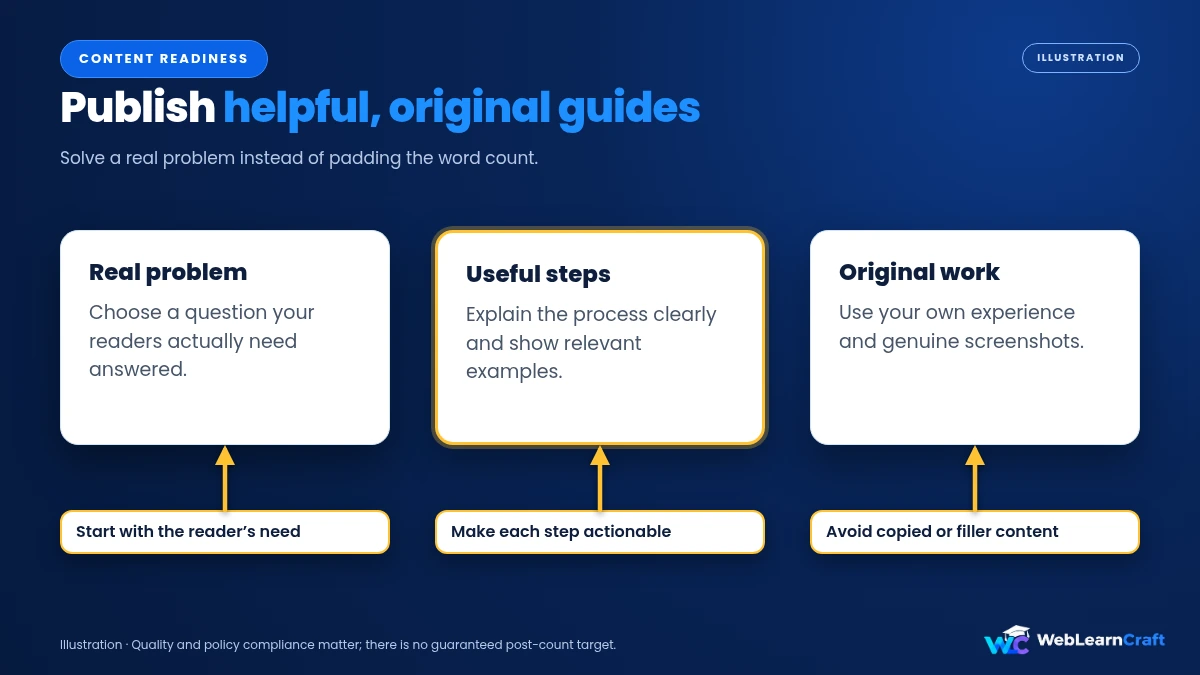
Everyone asks me the same question – kitni posts chahiye bhai? I applied with 24 posts and got approved. My friend applied with 22. I think 20 to 30 good posts are more than enough. But listen, they should be real posts. Not 300 words copied from ChatGPT and pasted. I made this mistake earlier and got hit with AdSense Low Value Content rejection and trust me, that rejection hurts a lot because you have to wait weeks to reapply.
What I do now is very simple. I pick one real problem that I faced, like how to fix mixed content error or how to fix indexing issue, and I write a full guide with my own screenshots. I take screenshots myself, I write steps I actually tried. No AI copy-paste. If I use AI to get an outline, I rewrite everything in my own words and add my own testing, my own errors. Google is very smart now in 2026, it can easily tell if content is helpful or just filler made to increase word count. Each post I write is at least 900 to 1400 words, has proper headings, short paragraphs, bullet points, and one or two images that I compressed with TinyPNG. And please, no copy from other blogs. Even if you rewrite, Google knows. Original experience is the key now.
3. The Pages That Give You Instant Rejection If They Are Missing
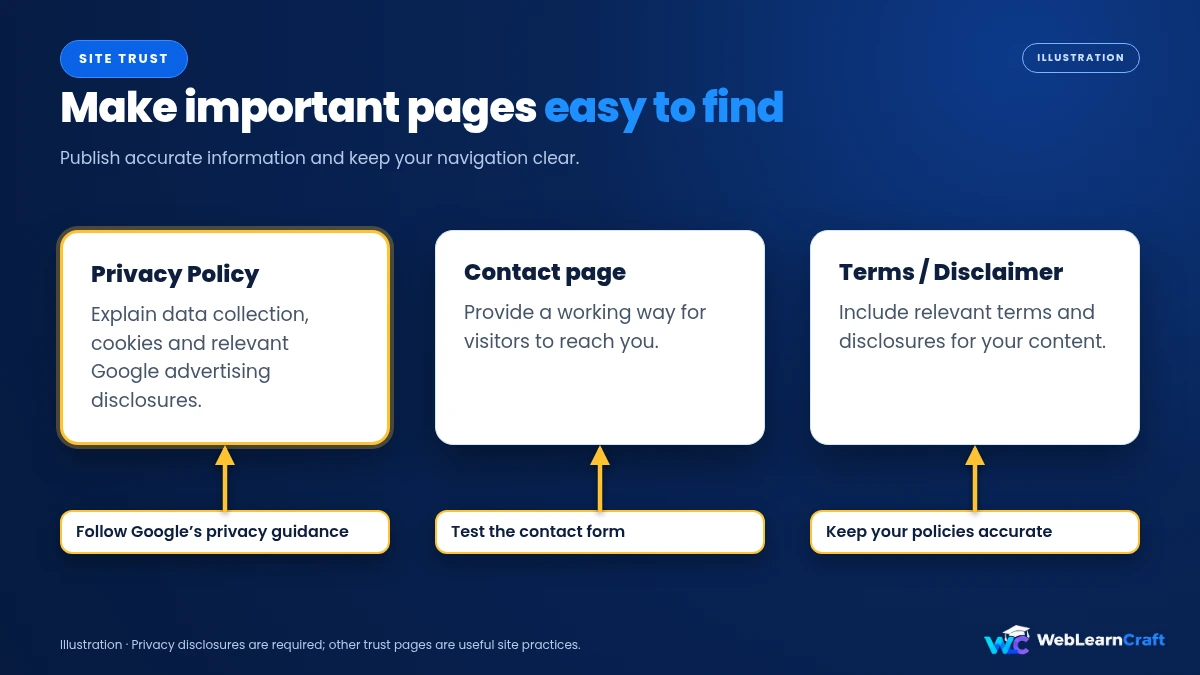
This is where 80% of new blogs fail. I also failed here on my first try. I only had a blog page with posts, no other pages. You must have these 3 pages in your header menu and also in your footer, no excuse. First is Privacy Policy, it should say you use cookies, you use Google AdSense, you collect IP. Second is Contact Us page, with a working contact form and your real email. Google wants to see a real human behind the site, not a bot. If someone wants to reach you, how will they? So for more details or any help regarding AdSense or WordPress, you can contact us anytime, we usually reply within 24 hours. Third is Terms and Disclaimer, especially if you give any tech or finance advice. I know it feels boring to make these pages, but without them, don’t even think about applying. Google will straightaway say your site is incomplete.
4. Design, Speed and Technical Checklist That I Fixed
I used to use a very heavy fancy theme with lots of animations. It looked cool to me but it made my site super slow. My mobile speed was 4 seconds. Big mistake. AdSense team checks your site manually on mobile first, not desktop. Now I use a simple lightweight theme like Astra or GeneratePress. No extra sliders, no popups. Just clean. Your site must be on https, with a green padlock. If you just moved from http to https and you see mixed content warning or padlock not showing, you need to fix mixed content errors after SSL otherwise Google will see your site as not secure and reject it. I had this issue when I moved my site from localhost to live, my images were still loading on http.
Another thing that helped me a lot was fixing my site structure. I was not linking my posts to each other. Each post was alone. Then I learned how internal linking helps Google crawl. I started linking my related posts naturally. It not only helps SEO but also shows Google that your site is a proper connected website, not just 20 random pages. Also check your WordPress settings. Go to Settings > Reading and make sure you have NOT checked the box that says Discourage search engines from indexing this site. I have seen 2 friends who had that box checked for months and wondered why they were not getting indexed. And install a good SEO plugin like Rank Math and submit your sitemap to Google Search Console.

5. The Truth About Traffic, Domain Age and Indexing in 2026
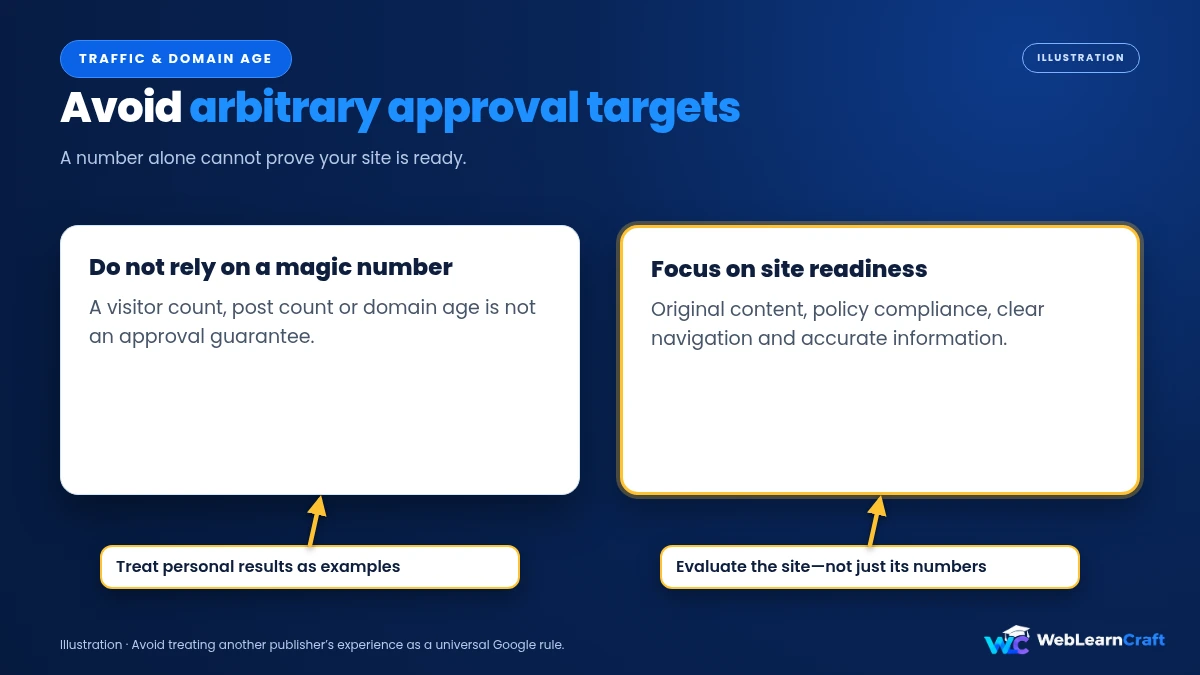
Let me clear this myth once and for all – you don’t need 10,000 visitors. This is the biggest lie on YouTube. I got approved with less than 30 visitors a day. My friend got approved with 12 visitors a day. Google itself never says you need traffic. What they care about is whether your content is indexed and visible. Go to Google Search Console and check your pages. If your articles are showing Discovered – Currently Not Indexed, you are in big trouble. I had same issue for 2 weeks, 10 of my posts were not indexed. You have to fix Discovered Currently Not Indexed error by improving internal links, updating your content, and requesting indexing manually. Don’t just keep publishing new posts if old ones are not indexed. Fix old ones first.
And domain age? People say you need 6 months old domain. That’s not true for most countries now. That rule was for some regions like India few years ago, but in 2026, if your site is complete, you can apply after 45 to 60 days. My domain was 2 months old when I got approved. So don’t wait for 6 months. Focus on making your site look 6 months old in terms of quality, not age.
6. Final Checklist Before You Click Apply and How I Applied
So before you go to the official site Google AdSense and click on Get Started, just tick this small list that I use every time I help someone. Custom domain live on https with no http errors, 22+ helpful original posts with at least 3 images each, Privacy Policy, Contact Us, Disclaimer pages live and linked in footer, clean fast theme, no broken links, no lorem ipsum text anywhere, no other ad networks showing ads, and you have connected your site to Search Console and all posts are indexed. That’s it.

To apply, go to Google AdSense, enter your site as https://weblearncraft.com without any trailing slash, select your payment country very carefully because you can’t change it later, paste the verification code in your WordPress header using Insert Headers and Footers plugin, don’t paste it in a post, paste it in header. Then submit and wait. Don’t make any big design changes while waiting. Don’t add too many new posts, just 1 or 2. Approval usually takes 1 to 4 days, sometimes up to 2 weeks. Keep checking your email. If rejected, don’t panic. Read the reason, fix it, wait 2 weeks, and apply again. Most people get approved on second or third try if they actually fix things. I got rejected twice because I ignored small things like missing contact page. Once I fixed everything properly, approval was easy.

My Last Advice For You
Look, AdSense in 2026 is not about tricking the system or using some secret method. I tried all tricks. Nothing works except one thing – build a site for real users. If you help someone solve a real problem, write like a human, add real contact info, make site fast, approval will come. I did it with WebLearnCraft, you can do it too with your blog. It takes time but it is worth it. After approval, don’t put 10 ads on one page. Start with 3 to 4 ads, focus on user experience. Earnings will grow slowly with traffic. First month I made only 4 dollars, now it’s much better. So be patient and keep publishing helpful content.
For more guides on WordPress and blogging, keep reading WebLearnCraft.